Premium Script
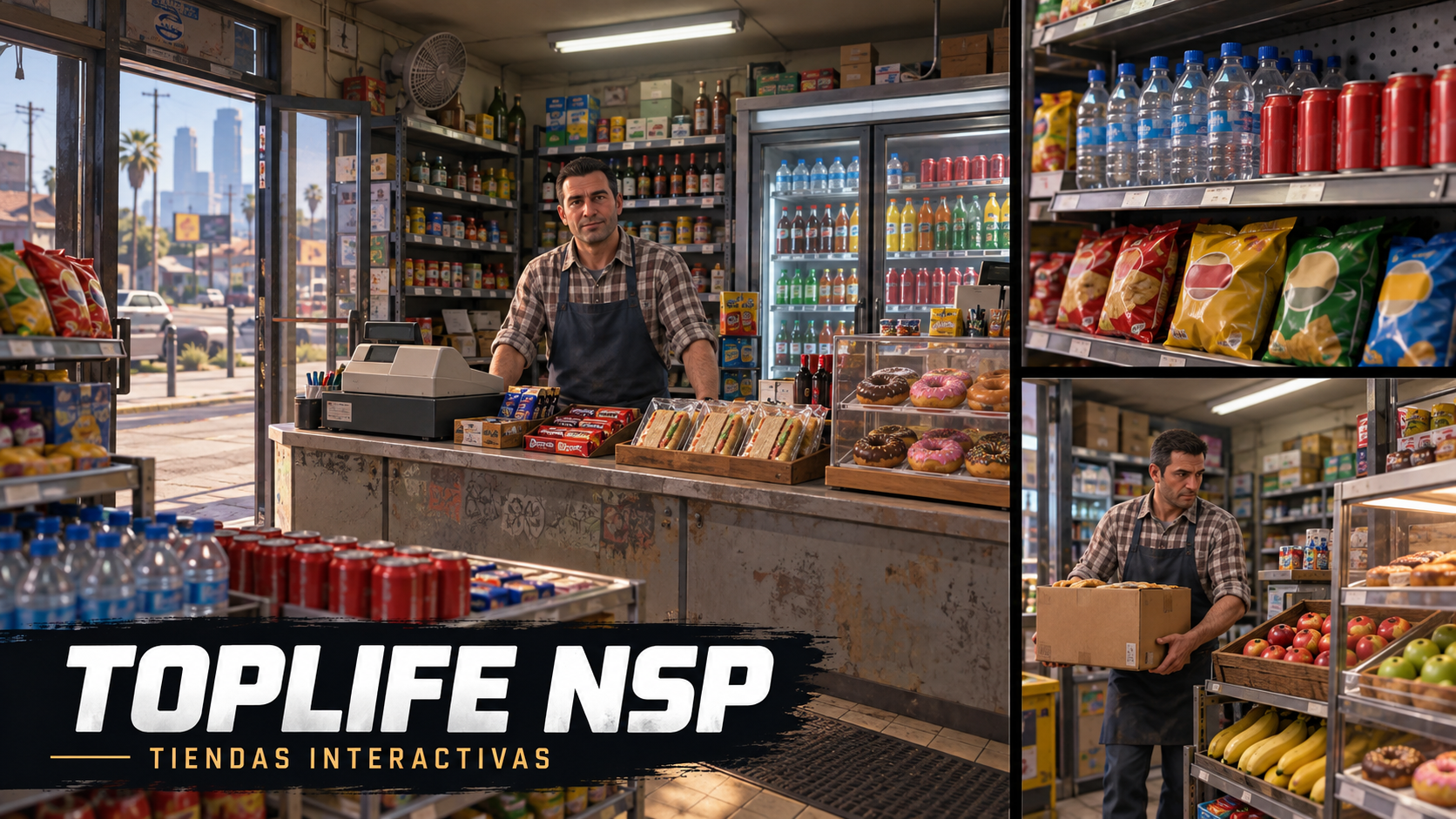
TOPLIFE NSP — Interactive Stores
TOPLIFE NSP — Interactive Stores 🛒
Bring immersive shopping to your FiveM server. Let players browse stores, pick products directly from shelves, and pay at the checkout while an animated shopkeeper greets customers and restocks the shelves.
Designed for convenience stores, minimarkets, and electronics shops on Qbox servers.
Video
Features
- Synchronized Physical Products: Pick up individual products using ox_target. Each product disappears from the shelf for every player.
- Spanish Checkout Interface: Review selected products, check the total, return items, and pay with cash or your Qbox bank balance.
- Dynamic Shopkeeper: The NPC greets customers and returns to the checkout when shoppers arrive during restocking.
- Animated Restocking: Watch the shopkeeper collect supplies, carry a box, and restock products individually before returning to the counter.
- In-Game Store Editor: Create stores, place and rotate products and furniture, define store boundaries, and configure the checkout, shopkeeper, and movement routes.
- Configurable Catalog: Customize product names, prices, models, inventory items, and shelf layouts.
- Unpaid Item Protection: Mark unpaid products to prevent consumption or transfers. Virtual reservations can deliver inventory items only after payment is completed.
- Configurable Shoplifting: Allow players to leave with eligible products using virtual reservations, triggering a police alert.
-
Police Alerts: Report shoplifting and attacks on the shopkeeper, with optional Retro Dispatch (
rs_dispatch) integration. - Server Validation: Check player proximity, funds, and inventory capacity, reserve stock, and refund payments if item delivery fails.
- Persistent Configuration: Store shop and catalog settings in JSON files with backups. No resource-specific SQL import required.
- Proximity Loading: Products and furniture load when players approach and unload when they move away.
Requirements
- FiveM with OneSync enabled.
- Qbox (
qbx_core). -
ox_lib. -
ox_target. -
ox_inventory.
What's Included?
- Four store configurations: three convenience stores and one electronics store.
- In-game store editor.
- Checkout interface in Spanish.
- Installation files and instructions.
Installation
Install the required dependencies and follow the included installation instructions. Make sure the referenced inventory items and models are available or adapt the configuration to your server.
Note: MLOs, custom props, and referenced external resources are not included. Bank payments use the Qbox economy; banking systems with independent accounts require adjustments to the payment bridge.